
AI Fitness Plan Generator: How to Build a Plan You Can Trust
An AI-generated workout can be a useful starting point, but a good plan still needs your judgment. Use this checklist to make one more practical, personal, and reviewable.
In this article
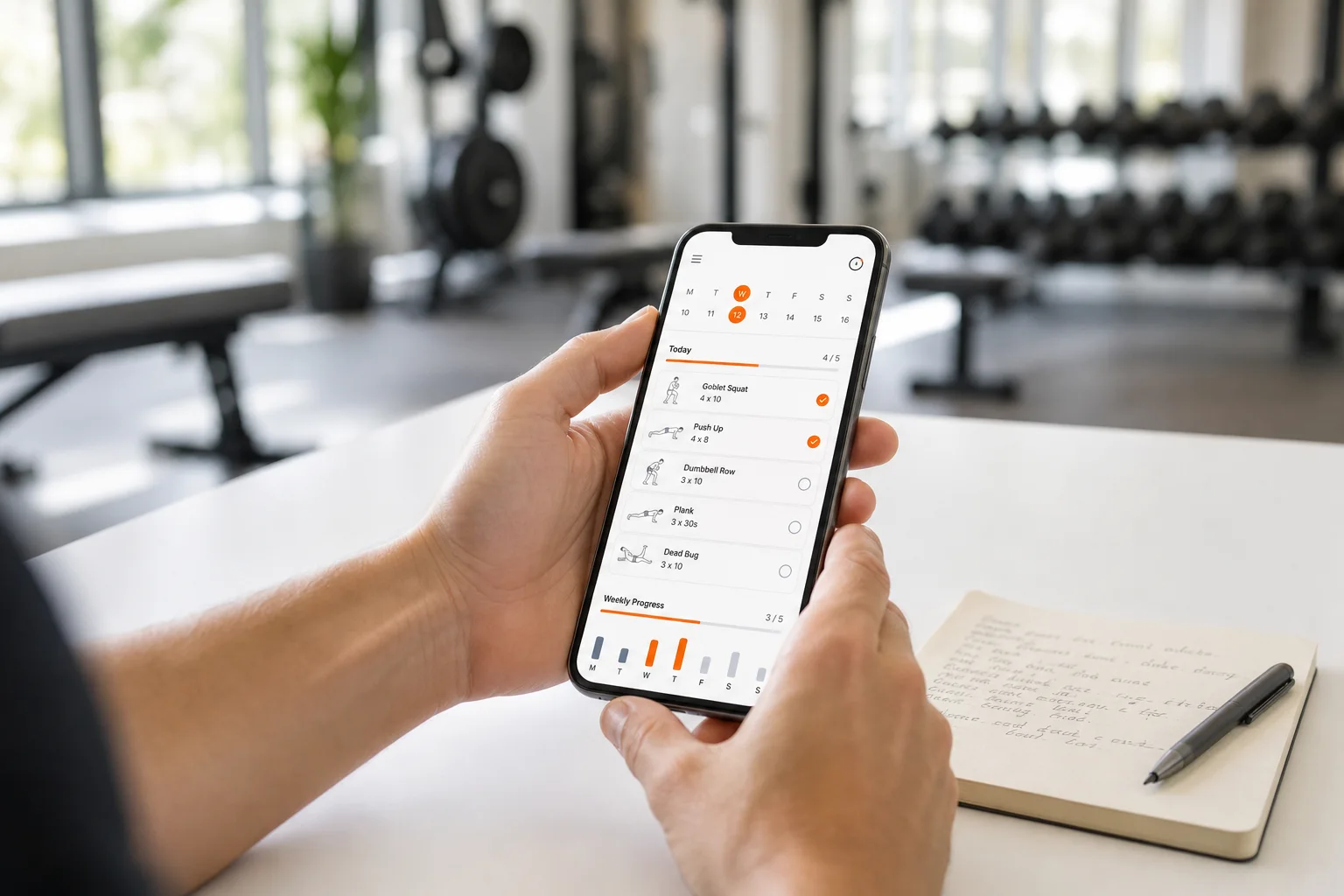
An AI fitness plan generator can turn a goal and a few preferences into a structured workout outline. That is convenient—but a polished plan is not automatically a suitable one. It may overlook your actual experience, available equipment, recovery, or the way your week changes.
Use generated plans as drafts to question and refine, not instructions you must follow. This guide explains what information to provide, how to review the output, and how GymPT can help you keep your training plan connected to your own records or a real trainer’s proposal.
What an AI fitness plan generator can—and cannot—do
A generator can organize common training choices into a schedule: exercises, sets, repetitions, and suggested training days. It may help you get past a blank page or compare a few ways to arrange your week.
But generating a routine is different from coaching someone through it. A plan cannot reliably infer details you have not provided, and a list of exercises does not show whether you can perform them comfortably or whether the workload fits your current training. Research evaluating AI-generated exercise prescriptions has found that their quality can vary, supporting a cautious approach and human review rather than treating AI as a substitute for professional judgment.
For healthy adults, resistance-training guidance emphasizes progressive training and tailoring the prescription to the goal. There is no single template that suits everyone. Your consistency, experience, exercise choices, and ability to recover all matter alongside the numbers in a plan.
Before you generate a plan, provide useful context
Specific inputs make a draft easier to review. Share only information you are comfortable using for training guidance, and avoid expecting a general-purpose tool to diagnose a health concern.
- Your goal: For example, building a consistent strength routine, improving general fitness, or practicing specific lifts.
- Your experience: Say whether you are new to training, returning after a break, or have a regular routine.
- Your schedule: Include realistic training days and the time you can usually spend per session.
- Your equipment: List what is available at home or in your gym, along with any equipment you prefer not to use.
- Your preferences: Mention exercises you know, activities you enjoy, and movements you want alternatives for.
- Your current workload: If relevant, describe the routine you already do rather than asking for a sudden jump in training volume.
Be honest about constraints. A plan built around four long sessions is not helpful if two shorter sessions are what you can consistently fit into your week.
Use this checklist to review an AI workout plan
1. Does the weekly schedule fit your real life?
Check that training days, session length, and rest days make sense for your routine. If a session is too long or the schedule is too demanding, ask for a simpler version or adjust it before starting. For ideas on choosing a repeatable schedule, see how to make a workout schedule fit your week.
2. Is the starting workload reasonable for you?
Look at the total number of exercises, sets, and training days—not just the name of the split. A beginner or someone returning after time away may want to start with a manageable routine and build familiarity before adding more. Our guide to choosing a starting workload after a long break can help you think through that restart.
3. Can you do the exercises with your equipment and experience?
Check each movement for availability and familiarity. If you do not have the equipment, do not know how to perform an exercise, or do not feel comfortable with it, request a suitable alternative and learn its technique before adding it. A useful plan is one you can carry out safely and consistently, not one that merely looks comprehensive.
4. Is there a clear, sensible way to progress?
Progression should not mean increasing everything at once. A draft should give you a way to repeat the work, observe how it feels, and make gradual changes when appropriate. Track what you actually complete; a planned session and a completed session are not the same thing. For more on recording gradual changes, read how to track progressive overload without guesswork.
5. Does the plan leave room for feedback?
Make notes about the exercises, effort, and any practical issues after you train. If a movement causes pain or another concerning symptom, stop rather than pushing through to satisfy a generated plan. For ongoing pain, health conditions, or questions about what activity is appropriate for you, seek guidance from a qualified healthcare professional. AI is not a medical assessment.
A practical prompt for a first draft
A prompt cannot guarantee a good program, but it can make your request more specific and the result easier to check. Try adapting this template:
“Create a simple resistance-training plan for [goal]. I have [training experience] and can train [number of days] per week for about [minutes] each session. I have access to [equipment]. Include exercises, sets, repetitions, and rest guidance. Keep the starting workload manageable, offer alternatives for exercises that require unavailable equipment, and explain a gradual way to review progress. Do not diagnose or give medical advice.”
Then review the result against the checklist above. Ask follow-up questions when a detail is unclear, but do not assume that confident wording proves a recommendation is right for you. If the plan does not fit your circumstances after revision, use a simpler routine or ask a real trainer for help.
Turn the draft into a plan you can actually use
- Choose a realistic starting version. Remove sessions or exercises you cannot reliably fit in or perform confidently.
- Record what you do. Capture your workout and useful notes so you can compare the plan with your actual training.
- Review after several sessions. Ask whether the schedule, exercise choices, and workload remain practical. Change one thing at a time when possible.
- Get another perspective when needed. A qualified trainer can consider context and ask questions that a generated outline may miss.
A plan that is clear and repeatable is often more useful than an elaborate routine you keep replacing. If you want a straightforward way to capture completed sessions, explore building a workout log you’ll actually use.
How GymPT fits into a member’s planning workflow
GymPT supports several ways to organize training. You can build a program manually without AI credits, request AI assistance where available, or review a program proposal prepared by your personal trainer. A trainer may prepare a proposal manually or with AI, but you decide whether to save and use it.
You can also keep training records and connections with a free account. Optional AI actions may require credits, and eligible Premium features have separate requirements; the app displays applicable requirements before use. AI assistance is optional, not a replacement for your judgment or a real trainer.
If you work with a trainer, they can review only the programs, workout records, and notes you permit them to share. Optional weekly AI summaries also require the appropriate grants. Review sharing choices carefully and share only what you want your trainer to see.
The bottom line
An AI fitness plan generator can help organize ideas, but the best next step is to review the details: does the schedule fit, is the workload appropriate for your experience, can you perform the movements, and is there a practical way to track and adjust the plan? Keep the plan editable, pay attention to your own feedback, and bring in a qualified trainer when you want professional guidance. Use AI as an assistant—not the authority on your training.