AI Workout Schedule App: Choose a Plan That Fits Your Real Week
A useful workout schedule should fit your week, adapt to real training records and make it easy to review what comes next. Here’s what to look for in an AI-supported app.
In this article
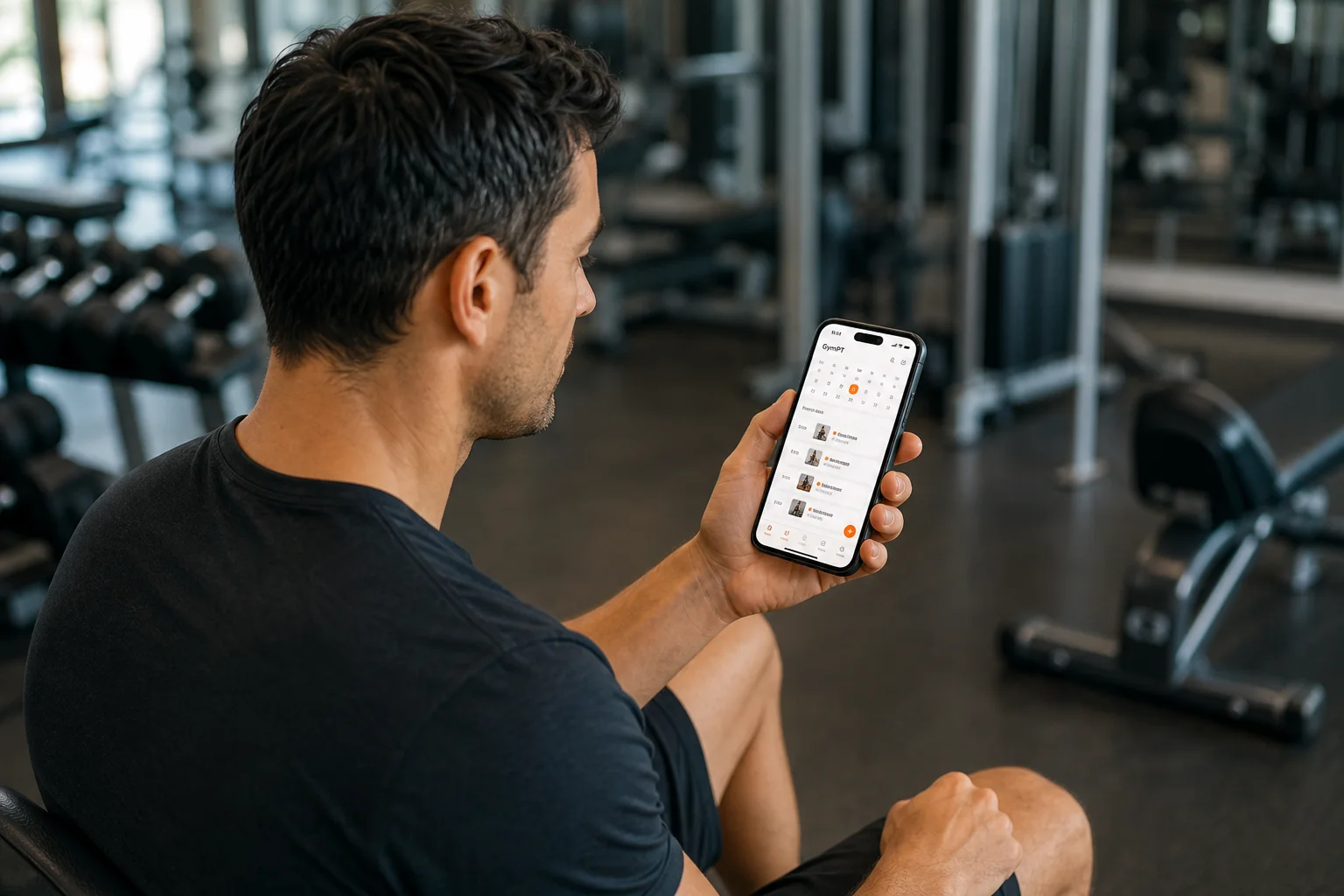
An AI workout schedule app can make planning easier, but a polished calendar is not the same thing as a useful training plan. The schedule should fit the days you can actually train, work with your available equipment and make it easy to record what you do. Any AI suggestions should remain editable and understandable—not a substitute for your judgment or a qualified trainer’s advice.
Use this guide to compare workout planning apps by the decisions that matter: flexibility, logging, program ownership, human support and privacy. GymPT is one practical example: members can create a manual program, request optional AI assistance, or review a personal trainer’s program proposal before deciding whether to save and use it.
What should an AI workout schedule app actually do?
At minimum, a useful app should help you turn a goal into a repeatable weekly routine. It should show what you plan to train, let you record what happened and help you make a sensible adjustment when life changes the schedule.
Look for these basics before focusing on advanced automation:
- A schedule you can change. You should be able to move or edit sessions when work, family or recovery needs disrupt the original week.
- Plans matched to your constraints. Check whether you can account for training days, session length, experience and equipment. A plan requiring machines you cannot access is not personalized in a useful way.
- Workout records. A history of completed sessions can help you compare what you planned with what you actually did.
- Clear exercise instructions. Names, sets, repetitions and relevant notes should be easy to understand and review.
- Control over recommendations. You should be able to inspect, edit or decline a suggestion rather than being pushed into a plan you did not choose.
Digital activity research has often examined features such as goal setting, self-monitoring and feedback. That supports treating a clear schedule and usable workout log as practical foundations—not assuming that an AI label alone makes an app effective. For ideas on keeping a training history, see how to build a workout log you’ll actually use.
How to judge whether the schedule fits your life
Start with days you can protect
Before asking an app to build your week, decide how many sessions you can consistently make room for. Choose realistic training days and a session length that leaves time for setup, warm-up and the workout itself. A plan you can repeat is generally more practical than an ambitious calendar that regularly gets skipped.
For general context, U.S. public-health guidance recommends adults work toward at least 150 minutes of moderate-intensity aerobic activity each week and muscle-strengthening activity on two days. Those are broad activity guidelines, not a custom lifting prescription or a requirement that every person use the same weekly split. If strength training is your focus, the American College of Sports Medicine’s 2026 resistance-training update emphasizes matching training to the goal and choosing an approach people can maintain.
Check the whole week, not just one workout
A schedule should make it possible to see how sessions fit together. If you plan to train several days in a row, consider whether the program gives you a manageable workload and enough variation for your experience and goals. If you miss a session, the app should make rescheduling straightforward instead of treating the plan as ruined.
Here is a simple example of how to think through a three-session week. It is a planning illustration, not a universal prescription:
- Monday: Full-body strength session.
- Wednesday: Full-body strength session, with movements or emphasis adjusted to your program.
- Saturday: Full-body session or another activity that fits your goal and recovery.
- Other days: Rest or optional activity, depending on your plan and personal circumstances.
The important test is whether the plan fits your calendar and whether you can record changes. A good app helps you keep the structure useful when the week does not go exactly as planned.
Ask what “AI-generated” means in practice
AI can help organize information or suggest a starting point. It cannot know every detail of your training context unless that information is provided, and generated text should not be treated as proof that a program is appropriate. Before following a suggestion, check the exercises, workload, equipment and schedule yourself. If you have questions that need professional judgment, ask a qualified trainer.
When comparing an AI workout planner, ask:
- Can I edit the plan before using it?
- Does it explain the information it used, such as my selected goal, available days or training records?
- Can I use the core planning and tracking workflow without paying for an optional AI action?
- Does the app clearly show any credit or Premium requirement before I choose an eligible optional feature?
- Can I ignore a suggestion and keep training with a manual plan?
These questions help separate useful assistance from automation that feels opaque. A manual program can be a good choice when you already know what you want to follow or prefer to plan without AI support.
Where GymPT fits into a practical planning workflow
GymPT connects members, real personal trainers and gyms, with optional AI support. It is designed to give members more than one way to plan: create a program manually without AI credits, request AI assistance for optional actions, or review a personal trainer’s proposal and decide whether to save and use it.
A simple member workflow looks like this:
- Set your training context. Decide on your goal, available days, session length and equipment before building a schedule.
- Create or review a program. Build a manual plan, request optional AI support if useful, or review a PT proposal.
- Make the decision yourself. Check that the proposal fits your week and preferences. You choose whether to save and use a trainer’s proposal.
- Record completed workouts. Keep your training history current so you can review the difference between your intended and actual schedule.
- Adjust the next week. Use your records and notes to make a reasonable change, or discuss them with your trainer if you have an approved connection and have shared the relevant information.
GymPT’s core training does not require a paid subscription; a free account saves records and connections. Optional AI actions can require credits, and eligible Premium features have separate requirements shown before use. That makes it worth checking the details in the app before choosing an optional feature, rather than assuming every AI action is included.
If you want a more structured manual starting point, explore this guide to building a custom workout plan. For a sample schedule with two strength sessions, see the practical two-day strength routine.
Check trainer access and privacy before sharing
If your app connects you with a trainer, find out exactly what you can share and who can review it. In GymPT, personal trainers review only the programs, workout records and notes their clients permit them to share. Optional weekly AI summaries also require the appropriate grants. A connection should not be mistaken for automatic, unlimited access to everything you record.
Before sharing, consider whether the information will help with a specific coaching conversation. You might share a program and recent workout records so your trainer can review what you completed, then add a note describing a scheduling change or exercise preference. Share only what you are comfortable making available for that purpose, and review your permissions when your needs change.
For a closer look at the member side of that process, read the guide to personal trainer client privacy. If you want help choosing a suitable weekly structure, reviewing and giving feedback on a trainer’s program proposal can help you make the final plan a more collaborative decision.
A short checklist before you choose
- Can the app build around the days and session lengths I can realistically manage?
- Can I adjust the schedule and record completed workouts?
- Are exercises and plan details clear enough to check before I begin?
- Can I create a manual plan without relying on optional AI?
- Are optional AI or Premium requirements shown before use?
- If I connect with a trainer, can I control which programs, records and notes I share?
The best AI workout schedule app for you is not necessarily the one with the most automation. Choose one that makes planning, reviewing and adapting your training straightforward—and leaves you in control of what you follow and what you share.