
Personalized Gym App: What to Look For Before You Choose
A useful gym app should fit your goals, schedule and training preferences—not just offer a long list of exercises. Use this practical checklist to compare options and see how GymPT supports flexible, member-led training.
In this article
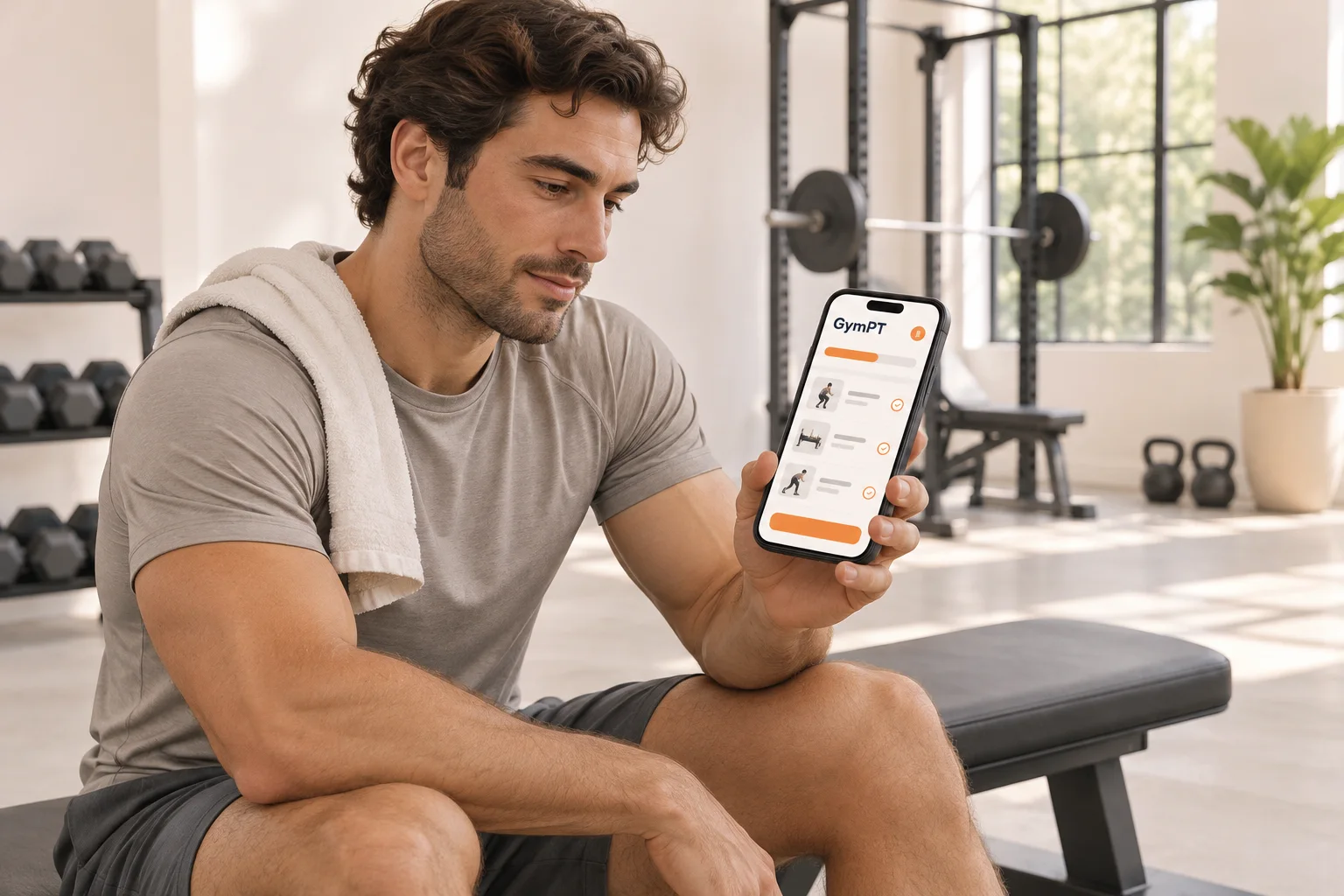
A personalized gym app should make it easier to follow a training routine that fits your goals, schedule, experience and equipment. It should also help you see what you have done and make sensible adjustments over time. A workout library can be useful, but a large library alone does not make an app personal.
When comparing a gym workout app, look beyond the first plan it generates. Check whether you can edit your routine, record sessions, understand what features cost, and choose what information you share. If you want a real trainer involved, check how that connection works too. Here is a practical checklist—and how GymPT fits it.
What should a personalized gym app personalize?
Personalization is more than inserting your name into a template. A plan is more useful when its choices reflect details that affect whether you can actually follow it, such as:
- Your goal: Decide what you want your training to emphasize, such as general strength, muscle-building or a repeatable fitness routine.
- Your weekly availability: A plan should fit the number of sessions you can realistically make, not assume an ideal week.
- Your experience: Exercise choices and instructions should make sense for your familiarity with training.
- Your setting and equipment: A routine for a well-equipped gym may not suit someone with limited equipment or a different training environment.
- Your preferences: Enjoyment matters. If you strongly prefer certain exercise styles—or need alternatives to movements you dislike—flexibility can help a plan feel sustainable.
These are useful questions to ask of any app, not promises that software can predict the perfect routine. The American College of Sports Medicine’s 2026 resistance-training guidance emphasizes individualizing programs around goals, preferences and ability, rather than treating one rigid prescription as right for everyone.
Seven things to check before choosing a gym workout app
1. Can you make a plan without being pushed into automation?
Some people want suggestions; others already know what they want to train. Check whether you can create or edit a plan yourself, rather than having to accept an automatically generated routine. A custom workout plan app should support your decisions, not take away control.
2. Can you record the work you actually do?
Useful tracking should help you refer back to your workouts: what you planned, what you completed and any notes you chose to make. Look for a simple way to keep records that is practical enough to use consistently. A log is most valuable when it helps you make your next training decision, not when it becomes a pile of data you never review.
Research on self-monitoring and feedback in behavior-change programs supports the value of tracking and feedback as tools that can help people engage with goals. That does not mean an app guarantees consistency; it means choosing one with records you can understand and use may make your own review easier.
3. Can you adapt when your week changes?
Work, travel, equipment availability and energy can change your plan for the week. Check whether a routine can be adjusted without starting from scratch. A flexible app should make it straightforward to revise a session or use a different schedule when life interrupts your original plan.
4. Are instructions and suggestions reviewable?
Before following a suggested workout, look at its exercises, sequence and workload. Can you understand what it is asking you to do? Can you change an exercise or ask a qualified trainer for input if you are unsure? Optional AI support can help with ideas, but a suggestion still needs your judgment. For a closer look at evaluating suggestions, read how to check an exercise recommendation.
5. Is real trainer support available if you want it?
An app and a personal trainer offer different kinds of support. If you value professional input, check whether the app connects you with a real trainer and gives you a clear way to review a proposed plan. A trainer should remain the professional making and explaining their programming decisions; optional AI should not be presented as a replacement for that relationship.
6. Can you understand privacy and sharing controls?
Workout records and notes can be personal. Check who can see them, what you must approve before sharing, and whether you can control what you send to a trainer. Avoid assuming that joining a gym or using an app means every staff member can view your training information.
7. Are the costs clear before you commit?
Find out which features are included and which are optional or have separate requirements. If AI actions use credits, or a premium feature has eligibility conditions, that should be explained before you use it. Compare the cost of the features you actually want, rather than choosing an app based on a headline promise.
How GymPT supports flexible, member-led training
GymPT connects members, real personal trainers and gyms, with optional AI support. Its approach is useful to consider if you want a place to keep your own training records while choosing how much assistance you use.
- Start with your own plan: You can build a manual program without AI credits. Core training does not require a paid subscription, and a free account saves records and connections.
- Choose whether to use AI: You can request AI assistance where available. Some optional AI actions require credits, and eligible Premium features have separate requirements displayed before use.
- Review a trainer’s proposal: A PT can prepare a program proposal manually or with AI in the web workspace. You decide whether to save and use it; a proposal is not automatically your active plan.
- Control what you share: PTs can review only the programs, workout records and notes their clients permit them to share. Weekly AI summaries also require the appropriate grants.
That combination gives you choices: manage training yourself, ask for optional assistance, or involve a real trainer through a proposal you can review. To explore a broader set of app-selection questions, see what to look for in a smart fitness coach app or how to choose a workout plan app that fits your training.
A simple way to test an app before relying on it
Rather than judging an app by screenshots or a long feature list, try it against a real week of training. Use this short evaluation:
- Write down your constraints. Note your goal, available training days, typical session length, equipment and preferences.
- Set up a manageable plan. Build or review a routine that fits those constraints. If it feels too complicated to follow, simplify it or look for more control.
- Log a session. Check how easy it is to record what you completed and add a useful note.
- Review the experience. Ask whether the records help you understand the week and whether changing a session is straightforward.
- Check the boundaries. Review sharing settings and the cost or credit requirements of any optional features you considered.
If you are still deciding what a realistic weekly schedule looks like, compare an app’s plan with a practical template such as this two-day full-body gym routine. The point is not to copy a particular split; it is to see whether the app can support a schedule you can repeat.
Choose for fit, not feature count
The best personalized gym app for you is the one that supports a routine you can understand, adjust and review. Prioritize flexible planning, useful workout tracking, clear costs, privacy controls and—if you want it—a genuine connection to a real trainer. Treat automated suggestions as input to assess, not instructions you must follow.
GymPT brings those choices together: manual program building, optional AI assistance, permission-based trainer connections and proposals that members decide whether to save and use. Start with the training approach that suits you, then add support only where it is useful.