
Custom Fitness Plan App: How to Choose One You’ll Keep Using
A useful custom fitness plan app should fit your goals, schedule and equipment—and make it easy to review progress, adjust your routine and control what you share.
In this article
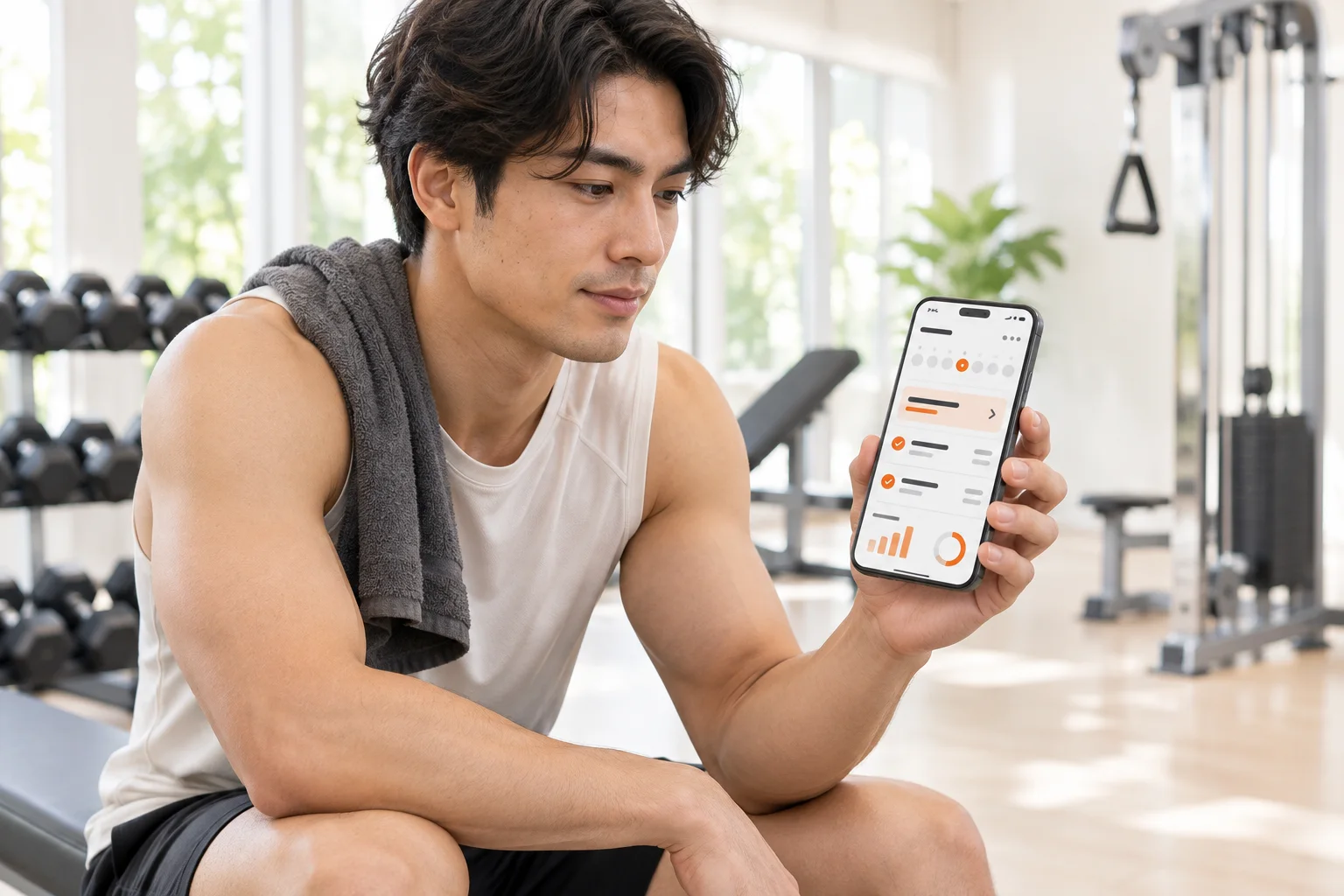
A custom fitness plan app should do more than generate a list of exercises. It should help you build a routine around your goals, available time, equipment and experience—and make it practical to review and adjust that routine as life changes. Before choosing an app, check how it handles planning, workout records, coaching and your control over personal information.
GymPT is one option to consider: members can create a program manually, request optional AI support, or review and save a proposal from a real personal trainer. Here’s a practical way to compare apps and decide whether their features match how you want to train.
What should a custom fitness plan app personalize?
“Personalized” can mean anything from selecting a goal to building a program around several real-world constraints. Check whether an app lets you account for the details that will affect whether you can follow the plan:
- Your goal: For example, building a consistent routine, developing strength or supporting general fitness.
- Your schedule: How many days you can realistically train and how much time you have per session.
- Your setting and equipment: A full gym, a smaller facility, home equipment or body-weight movements.
- Your training experience: Whether the exercise selection and instructions make sense for your current familiarity.
- Your preferences: Movements and training styles you enjoy or are more likely to repeat.
These are useful questions because an impressive-looking plan is not necessarily a workable one. Current ACSM resistance-training guidance emphasizes that effective programming can use different approaches and should be individualized to support factors such as adherence, enjoyment and the person’s goals. For general adult activity, public guidelines also include aerobic activity alongside muscle-strengthening activity; a strength plan is only one part of an overall weekly routine.
Five checks to make before you choose an app
1. Can you build or change a plan without relying on a generator?
AI-generated suggestions can be convenient, but you may want to decide what goes into your program yourself. Look for a clear way to create or edit a plan manually, and check whether optional tools have separate requirements or costs. A useful app explains those requirements before you commit to an action instead of making the basic planning workflow hard to understand.
In GymPT, core training does not require a paid subscription. A free account can save records and connections, and members can build a manual program without AI credits. Optional AI actions may require credits, while eligible Premium features have their own requirements shown before use. That gives you a choice: start with a manual plan, explore optional assistance, or use a trainer’s proposal.
2. Does it help you follow the plan, not just create it?
A plan is easier to evaluate when you can record what you actually did. Check whether the app supports workout records that are useful to you, such as completed exercises and the details you want to review later. Think about whether you can tell the difference between a planned session and a session you completed, and whether your records help you spot questions to address before changing the program.
Keep the first version manageable. If you can only train on two days this week, a realistic two-session routine is a more useful starting point than a schedule that assumes five. If you need an example structure, see GymPT’s two-day full-body gym workout plan. Choose a schedule you can test, then use your records to review how well it fits.
3. Can the plan adapt when your week or equipment changes?
Life rarely follows a perfect training calendar. Ask what happens if you miss a session, have less time than expected or need an alternative for an unavailable piece of equipment. A flexible plan should give you a sensible way to adjust rather than implying that one missed workout means starting over.
Before replacing exercises or adding more work, identify the constraint: time, equipment, preference or recovery. Then make a small, understandable change and see how the next session goes. For broader guidance on using automated suggestions thoughtfully, read how to check an exercise recommendation.
4. Is there a real-person coaching option if you want one?
Some members want to plan independently; others value feedback from a qualified human trainer. If you want coaching, check whether the app supports a review process where you can consider a proposal before using it. A program should not be treated as something you must accept just because it was suggested.
GymPT lets personal trainers prepare program proposals manually or with AI in the web workspace. You decide whether to review, save and use a proposal. Optional AI supports the trainer’s work; it does not replace the trainer or your decision-making. For a beginner-oriented example of keeping a plan simple, explore a simple gym plan for beginners.
5. Are sharing and privacy controls understandable?
Workout records can be personal. Before connecting with a trainer, find out what you can share and whether you can choose which programs, records or notes are visible to that person. Look for clear permission controls rather than assuming that creating an account makes every detail available to a coach or gym.
In GymPT, trainers review only the programs, workout records and notes their clients permit them to share. Weekly AI summaries also require the appropriate grants. A gym connection should not be confused with unrestricted access to your training information: gyms manage their accessible branches, staff roles and approved connections, not a blanket view of every member’s data.
A practical way to test a fitness plan app
Instead of judging an app only by its feature list, run a short, low-pressure test. The goal is to learn whether the planning and tracking workflow makes sense to you—not to prove a particular result in a fixed number of days.
- Write down your constraints. Note your available training days, typical session length, equipment and preferred activities.
- Choose a simple starting structure. Pick a routine that fits those constraints rather than an idealized week.
- Check the plan before using it. Make sure you understand the exercises, the intended session and how the plan fits your experience.
- Record completed workouts. Use the app’s records to keep track of what you did and what you want to remember.
- Review and make one sensible adjustment. If a session repeatedly does not fit, change the schedule, exercise choice or amount of work rather than abandoning the whole plan immediately.
- Choose whether you want support. Use a manual plan, optional AI assistance or a trainer proposal according to your preference—and check any feature requirements before using an optional action.
Starting gradually and setting specific, trackable goals are practical strategies recommended by public health guidance. If you are new to activity, begin at a level that feels manageable and build your routine over time. For personal health concerns or exercise restrictions, seek advice from an appropriate health professional; a fitness app is not a medical service.
How GymPT fits into the comparison
GymPT is designed for members who want training records and options for working with real personal trainers and gyms, with optional AI support. You can create a manual program without AI credits, request AI help where available, or review and save a PT program proposal. The key distinction is choice: you can start with the workflow that suits you, and the member decides whether to use a trainer’s proposal.
When comparing GymPT or any other custom fitness plan app, ask yourself: Can I make a plan that fits my actual week? Can I record training and review it? Do I understand what is shared and with whom? Can I choose manual planning, optional AI or human coaching without confusing one for another? Those answers are more useful than a long feature list if your aim is to find an app you can use consistently.
If you’re comparing planning approaches, GymPT’s guide to a personalized gym app offers another checklist for deciding what matters to you.
Quick checklist before you commit
- It supports your goal, schedule, equipment and current experience.
- You can create or adjust a plan without depending on AI.
- Workout records are clear and useful for your own review.
- There is a sensible route to human coaching if you want it.
- You control what you share with a connected trainer.
- Optional features explain their requirements before you use them.
A good app should make your next training decision clearer—not pressure you into a complicated routine. Start with the simplest plan that fits, keep useful records, and choose extra support when it genuinely helps.