
AI Workout Assistant: Use It to Plan, Then Check the Details
An AI workout assistant can help organize a training idea into a plan. Here’s how to give it useful context, review the details and adjust the result to fit real life.
In this article
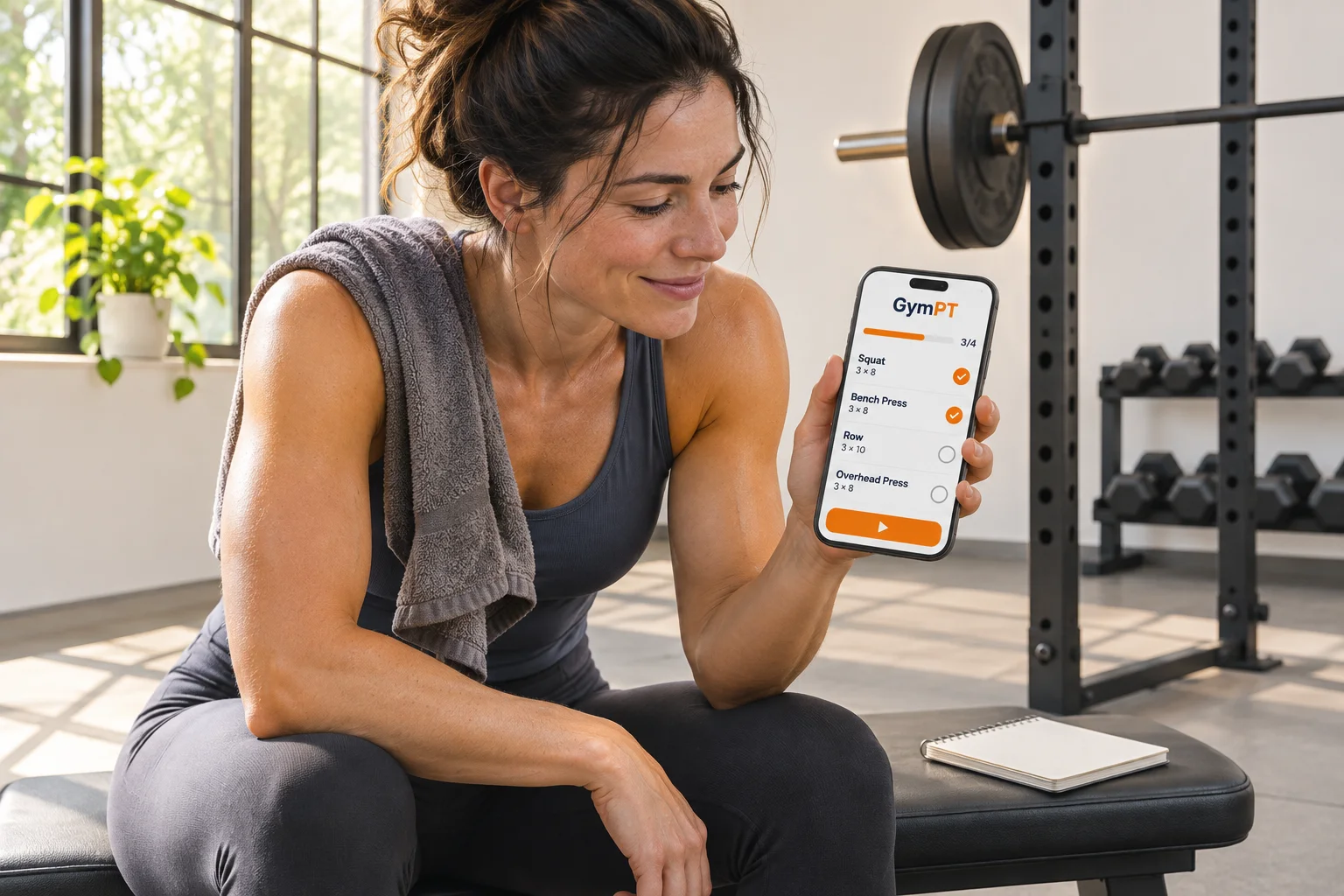
An AI workout assistant can turn a training goal and a few practical details into a starting plan. That can be useful when you want help organizing your week, choosing exercises or thinking through a change. But a polished plan is not automatically a suitable plan. You still need to check whether it matches your experience, equipment, schedule and comfort.
The best approach is to treat AI as a planning aid, not as an authority or a replacement for a qualified personal trainer. Use it to structure your thinking, review the suggestions, and make changes when the plan does not fit. Here’s a practical way to do that.
What an AI workout assistant can—and cannot—do
An AI tool can help organize information you provide. For example, it may suggest a weekly schedule, offer exercise alternatives or make a session shorter when you have less time. This can give you a draft to review instead of a blank page.
However, an AI-generated answer may overlook important context, misunderstand your request or present a suggestion with more confidence than the details justify. Research evaluating AI exercise recommendations has found gaps in completeness and accuracy, which is one reason to review its output rather than follow it automatically. AI cannot observe your technique, reliably assess your personal circumstances or diagnose an injury.
A useful mental model is: AI helps draft; you decide what fits. If you work with a personal trainer, their professional judgment and your conversations can add context that a general AI prompt may not capture.
Start with a clear, realistic request
The quality of a draft depends partly on the information you give it. A broad request such as “make me a hard workout” leaves too much open to guesswork. Instead, describe the practical boundaries of your training.
- Your goal: for example, build a consistent strength-training habit or organize full-body sessions.
- Your experience: whether you are new to training, returning after a break or familiar with your current routine.
- Your schedule: how many days you can realistically train and how long each session can last.
- Your setting and equipment: home or gym, plus the equipment you can actually use.
- Your preferences: exercises you enjoy, movements you want alternatives for, and how you prefer to organize sessions.
- Your requested format: ask for a simple weekly outline, exercise options and a short explanation of the plan’s assumptions.
Share only information you are comfortable including. If a health condition, persistent pain, recent procedure or other personal circumstance could affect what exercise is appropriate, a general-purpose AI tool is not the right place to seek individualized medical advice. Ask a qualified professional about suitable next steps.
Review the draft before you train
Before adding a generated routine to your week, take a few minutes to inspect it. This quick review can catch mismatches and give you better questions to ask a trainer.
Check the schedule against your real week
Does the plan fit the days and session lengths you actually have? A routine that depends on several long sessions may be a poor match if your calendar only allows shorter workouts. Consistency matters more than choosing a complicated structure you cannot maintain.
Check the exercises against your setup and experience
Confirm that you have the listed equipment and know how to approach each movement. If an exercise is unfamiliar, ask for a simpler option or seek instruction from a qualified trainer. Don’t assume an exercise is suitable just because it appears in a generated plan.
Look for balance and a manageable starting point
For general adult guidance, public health recommendations include muscle-strengthening activity involving the major muscle groups on at least two days per week. That is a broad reference point, not a personalized prescription. An AI draft should still suit your experience and current routine. If you are new or restarting, favor a manageable workload you can review and build on rather than a sudden jump in training.
Ask how the plan changes over time
A plan should give you a reasonable way to repeat and review sessions, not just a list of exercises for one day. Ask what signals would suggest keeping the routine steady, making a small adjustment or asking a trainer for input. If the answer gives an exact progression without explaining its assumptions, treat it as a suggestion to examine, not a rule.
Use a simple prompt-and-review workflow
- Describe your week. State your goal, available days, approximate session length, experience and equipment.
- Request a draft, not a final prescription. Ask for a straightforward plan and note where it has made assumptions.
- Check every session. Look for practical fit, familiar movements and a workload that seems reasonable for your situation.
- Make edits before starting. Remove exercises that do not suit your equipment or experience, and seek qualified guidance when you are unsure.
- Record what you actually do. Use your completed sessions to review whether the plan is workable, rather than relying only on the original draft.
- Revisit the plan when circumstances change. A change in schedule, equipment or training experience may call for a revised routine.
For example, you might ask for a two-day full-body training outline using the equipment you have, with sessions under 40 minutes and straightforward exercise choices. Then check that each session fits your actual setup and ask a trainer about anything unfamiliar. The prompt creates a starting point; your review turns it into a more practical decision.
Where a real personal trainer adds value
A trainer can help interpret your goals and training history, observe how you perform exercises and discuss alternatives in context. That human feedback is especially useful when a generic suggestion does not feel right or you are unsure how to adapt a movement. AI can help you prepare questions, but it cannot provide that in-person observation or professional relationship.
If you already work with a trainer, a clear record of your completed workouts and notes can make your check-ins more useful. In GymPT, members can build a program manually, request AI support where available, or review and save a program proposal prepared by their PT. You decide whether to save and use a proposal. Your PT can review only the programs, workout records and notes you permit them to see; weekly AI summaries also require the appropriate permissions.
Core training does not require a paid subscription, and a free GymPT account can save records and connections. Some optional AI actions may require credits, while eligible Premium features have their own requirements shown before use.
Keep training records useful and simple
Records help you and, if you choose to share them, your trainer see what happened—not just what a draft expected to happen. Capture enough to make the next review useful, without turning every session into a paperwork task.
- Record the exercises and work you completed.
- Note whether a session fit the time you had.
- Write down exercise substitutions or equipment limitations.
- Add a short note if you want to remember a question for your trainer.
These details can help you decide whether to keep a plan, simplify it or ask for a professional review. For more on creating a consistent record, see our guide to an exercise tracking app and workout log.
Try AI support without handing over the decision
An AI workout assistant is most useful when it helps you think more clearly about a plan—not when it encourages you to follow instructions you have not checked. Give it realistic constraints, ask for a draft, review the assumptions and keep track of what works for your actual week.
If you want to explore AI-supported planning further, compare the approaches in our guides to an AI fitness plan generator, an AI gym workout generator and an AI workout plan app. The practical test is simple: can you understand the plan, adapt it responsibly and keep your training decisions in your own hands?