Gym and Trainer Directory App: A Practical Guide for Better Member Connections
A practical guide for gym owners and staff choosing a gym and trainer directory app to improve trainer discoverability, member choice and permission-based collaboration.
In this article
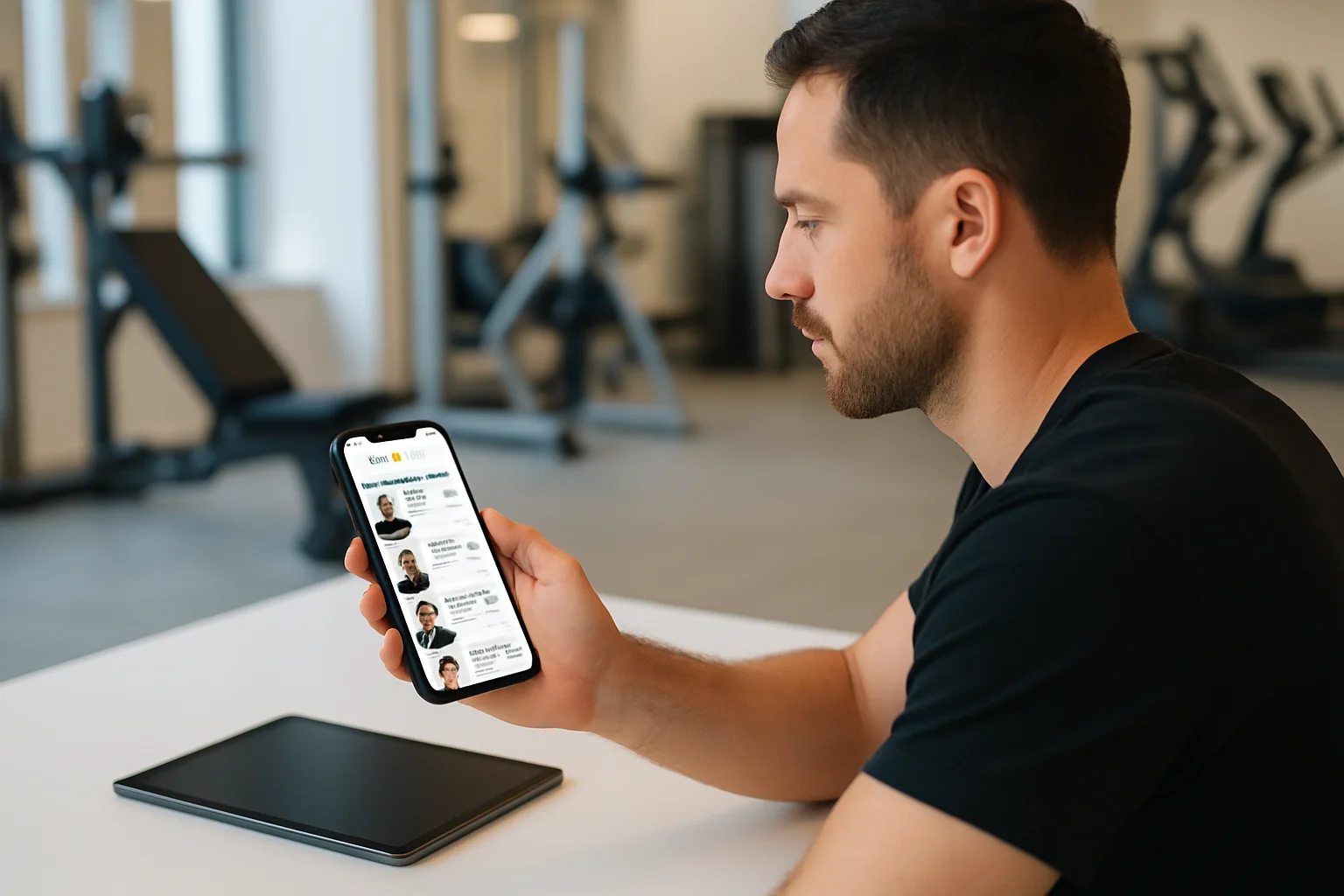
A gym and trainer directory app can help members find the right support without forcing gym staff to manage every introduction manually. The most useful systems do more than display a list of names. They help gyms present relevant trainer profiles, clarify which branches and staff are connected, and let members choose whether to start a relationship.
For gym owners and staff, the goal is not simply to make more profiles searchable. It is to create a clear path from discovery to a voluntary, permission-based connection. That path should support professional judgment, protect member choice and give personal trainers enough context to begin a productive conversation.
What should a gym and trainer directory app help your team do?
A directory is most valuable when it reduces uncertainty for both sides. Members should be able to understand who a trainer is, what type of coaching they offer and which gym or branch they are associated with. Staff should be able to keep the directory accurate without promising access to information that a member has not shared.
A practical directory workflow should support five basic activities:
- Discoverability: Members can find approved trainers connected to a gym or accessible branch.
- Profile relevance: Trainer profiles explain coaching focus, experience and preferred training contexts in clear language.
- Member choice: A member decides whether to contact, connect with or share information with a trainer.
- Permission-aware collaboration: Trainers see only the programs, workout records and notes that a client permits them to review.
- Operational clarity: Gym teams can manage branches, staff roles and approved GymPT connections.
This approach is different from giving every staff member unrestricted access to member health or training data. A directory supports introductions and approved collaboration; it should not become a broad data-access dashboard.
Why trainer discoverability matters to gym members
Many members know they want help but do not know which trainer is appropriate for their needs. A generic “meet our trainers” page may not answer practical questions such as:
- Does this trainer work with beginners, experienced lifters or both?
- Does their approach fit my preferred training environment?
- Are they connected to my branch?
- Can I review a proposed program before deciding to use it?
- What information would I need to share before the trainer can provide useful feedback?
A well-structured profile helps members make an informed first choice. It should be specific without making unsupported promises. For example, a trainer can describe an interest in strength development, general fitness, equipment-based programming or structured weekly routines. The profile should not imply guaranteed results or make medical claims.
Clear profiles can also reduce pressure on front-desk staff. Instead of making a rushed recommendation from memory, staff can guide a member toward relevant profiles and explain that the member remains in control of the next step.
Build profiles around relevance, not keyword stuffing
Good directory profiles are short enough to scan but detailed enough to distinguish one trainer from another. A useful profile structure includes:
1. Coaching focus
Use plain descriptions such as beginner strength training, resistance training, mobility-focused sessions, general conditioning or equipment-based programming. Avoid vague labels that could describe every trainer in the directory.
2. Typical member fit
Explain who may appreciate the trainer’s style. This could include members who prefer a structured plan, members learning foundational movements or members who want help organizing their weekly training. Keep the wording inclusive and avoid implying that a trainer is suitable for every person or situation.
3. Training approach
Describe how the trainer normally works: reviewing training history, setting practical progressions, discussing available equipment or adjusting a plan after reviewing permitted workout records. This gives prospective clients a clearer picture of the process than a list of qualifications alone.
4. Branch and connection information
Members should be able to see which gym or branch the trainer is associated with. For multi-branch organizations, this detail is especially important. A trainer who is approved at one location may not automatically be available through every branch.
5. A clear next action
The profile should guide the member toward a voluntary action, such as requesting a connection or starting a conversation. It should not suggest that the trainer can inspect a member’s records before permission is granted.
This profile structure supports the same principle used in effective training: match the plan to the person, the context and the resources available. Public health guidance consistently encourages adults to combine aerobic activity with muscle-strengthening work, but the practical way a member organizes that activity still needs to reflect their goals, schedule and experience.
A permission-based connection workflow for gyms
For a gym team, the most reliable directory process is simple enough to repeat. The following workflow can be used during onboarding, at the front desk or when a member asks for help choosing a trainer.
- Confirm the member’s goal. Ask what type of support they are looking for: a starting plan, exercise selection, progression, accountability or help using available equipment.
- Show relevant approved profiles. Filter by accessible branch, coaching focus and availability information that the gym has chosen to display.
- Let the member choose. Do not treat a staff recommendation as an automatic assignment. The member should decide whether to request a connection.
- Explain sharing clearly. Tell the member that a trainer reviews only the programs, workout records and notes the member permits them to share.
- Start with the minimum useful information. A new connection does not need broad historical access by default. The member can grant additional access when it is relevant and appropriate.
- Review the next step together. The trainer can discuss goals, review permitted training history and prepare a program proposal manually or with optional AI support in the web workspace.
- Return the decision to the member. The member reviews the proposal and decides whether to save and use it.
This workflow keeps the gym involved without making the gym the owner of every member-trainer interaction. It also gives trainers a professional starting point: enough information to be useful, but not more access than the client has approved.
How a directory can support better program decisions
Finding a trainer is only the first stage. The connection becomes more useful when it leads to a thoughtful review of the member’s current training.
A trainer might review permitted workout records to identify practical questions:
- Is the member training consistently enough to evaluate progress?
- Are the exercises appropriate for the equipment and time available?
- Is the weekly schedule realistic?
- Are progression decisions recorded clearly enough to repeat or adjust?
- Does the current plan reflect the member’s stated goal?
The trainer can then draft a program proposal in the web workspace. The proposal may be prepared manually or with optional AI assistance, but the trainer remains responsible for reviewing the content and deciding whether it is suitable to present.
GymPT also allows a member to build a manual program without AI credits, request optional AI assistance or review and save a personal trainer’s proposal. Core training use does not require a paid subscription, while optional AI actions may require credits and eligible Premium features have separate requirements shown before use.
That distinction matters for gym communication. Staff should present optional AI as support for planning and review, not as a replacement for a real trainer. A directory should make qualified human support easier to find, not hide it behind an automated recommendation.
Managing branches, staff roles and approved connections
Multi-location gyms need directory controls that reflect how the organization actually operates. A branch manager may need access to the trainers and connections approved for one location, while a regional administrator may manage several branches.
Before launching a directory workflow, define:
- Which branches each gym administrator can access.
- Which staff roles can create, edit or approve trainer profiles.
- Which trainers are approved for each branch.
- How a trainer’s branch association is updated when their role changes.
- Who handles member questions about connection requests and permissions.
These controls prevent two common problems. First, members are less likely to be shown trainers who are not actually available through their branch. Second, staff are less likely to assume that visibility in a directory means access to a member’s private training information.
For a practical digital onboarding process, document the rules in staff guidance rather than relying on informal knowledge. You can connect this directory workflow with a broader gym digital onboarding checklist and review your gym member consent and privacy workflow at the same time.
What gym teams should avoid
A directory can create confusion when its purpose is not defined. Avoid these patterns:
- Publishing empty or generic profiles: Members cannot make a useful choice if every profile uses the same language.
- Promising automatic matching: A profile directory can improve discoverability, but it cannot determine the right trainer for every member.
- Implying unrestricted data access: A trainer should not be presented as able to see all member health or workout information by default.
- Turning AI into the headline: Optional AI can support planning, but professional review and member choice remain central.
- Ignoring branch boundaries: Directory visibility should reflect approved gym connections and accessible locations.
- Measuring only connection volume: A high number of requests does not prove that members found relevant support. Review whether the process produced clear conversations and usable next steps.
For more detail on collaboration between gym teams and trainers, see this guide to a personal trainer gym collaboration workflow. If your staff need a clearer process for moving from a request to an actual connection, the gym digital member connection workflow provides a useful companion framework.
A simple implementation plan for your gym
You do not need to redesign every member process at once. Start with a focused pilot:
- Select one branch or trainer group. Choose a team that can test the workflow consistently.
- Rewrite profiles for relevance. Add coaching focus, typical member fit, branch information and a clear next action.
- Train staff on permissions. Make sure every team member can explain what a trainer may review and what requires member approval.
- Test the member journey. Ask a staff member to act as a new member and complete the process from discovery to connection request.
- Review friction points. Note where members hesitate, where staff lack information or where branch responsibilities are unclear.
- Expand carefully. Add more branches and trainers only after the first workflow is understandable and repeatable.
The best directory experience is not the one with the most filters or the largest profile list. It is the one that helps the right member find a relevant trainer, makes the next step obvious and preserves control over personal training information.
Final takeaway
A gym and trainer directory app should connect people, not blur responsibilities. For gym owners and staff, that means maintaining relevant profiles, managing approved branch access and giving members a voluntary path to connect with real personal trainers.
When the directory is combined with clear permissions, reviewable program proposals and practical training records, it becomes more than a searchable list. It becomes a structured starting point for better conversations and more informed training decisions—while keeping human coaching at the center.