Gym Member Connection vs. Workout Equipment Profile: A Clear Guide for Gym Teams
A GymPT connection and a workout equipment profile serve different purposes. This guide helps gym owners and staff manage approved connections, branch access and equipment context without confusing organizational access with training data.
In this article
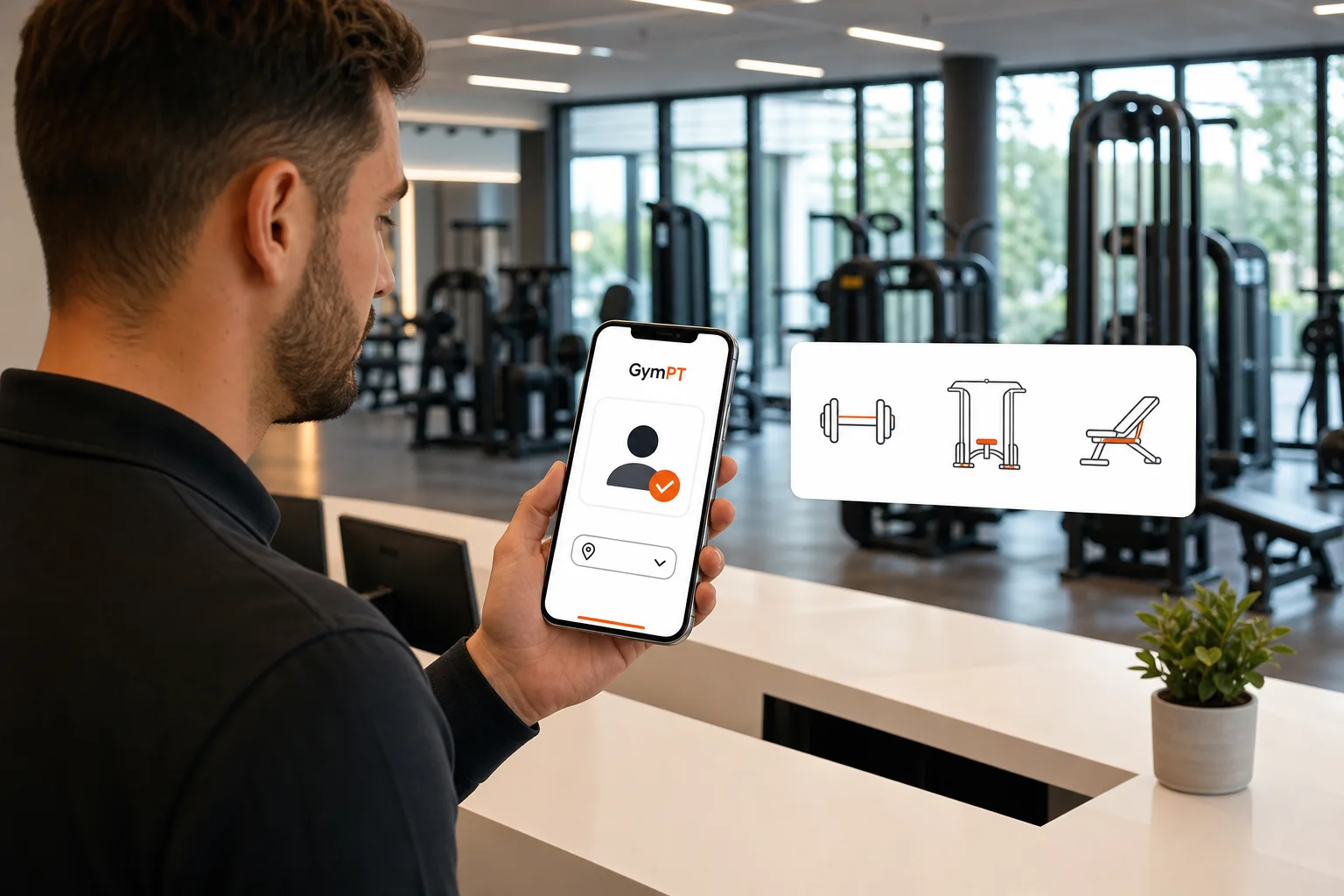
For gym owners and staff, a gym member connection versus workout equipment profile is not a choice between two versions of the same thing. They describe different parts of a training workflow. A connection is an approved organizational relationship in GymPT. An equipment profile is practical context about the tools a member can use for a workout or program.
Keeping those concepts separate helps teams manage branch access responsibly and helps trainers plan around real equipment options. It also avoids a common misunderstanding: a gym connection does not automatically mean the gym can view a member’s training records, and an equipment list does not grant anyone access to those records.
What a GymPT member connection means
A GymPT gym connection is an approved relationship between a gym and a member in the app. Gym teams manage their accessible branches, staff roles and approved connections. These organizational controls help establish who is connected to the gym within GymPT; they should not be treated as permission to browse a member’s private training information.
Training visibility follows a separate, permission-based path. Personal trainers can review only the programs, workout records and notes a client permits them to share. Weekly AI summaries also require the appropriate grants. A member’s relationship with a gym, by itself, does not grant gym-wide access to those materials.
For gym staff, the practical distinction is straightforward: manage the connection as an organizational record, then respect the separate permissions that govern any client-shared training data. If a member wants a particular trainer to review a program or workout record, that sharing needs to be permitted through the relevant member-trainer workflow.
What an equipment profile means
An equipment profile is a description of the training tools available or relevant to a workout. It might refer to the kinds of equipment a facility offers, or help a trainer understand what a member can use in a particular training setting. It is useful for exercise selection and program planning, not for establishing organizational access.
Equipment context is also not the same as live equipment availability. A profile that lists dumbbells, cables or machines does not, by itself, tell a trainer whether a specific station is free at a particular time. Unless a gym has separately verified real-time availability information, staff should avoid presenting a general equipment profile as a live status feed.
When planning, trainers should match exercise choices to the member’s goals, experience, training setting and practical equipment access. A well-designed program does not depend on one brand or one specific machine: equivalent movement options may help a session remain workable when a piece of equipment is unavailable. The 2026 American College of Sports Medicine guidance also emphasizes that equipment type is not the sole determinant of a resistance-training plan; consistency and appropriate programming matter.
Gym member connection versus workout equipment profile: the key differences
- Purpose: A connection records an approved organizational relationship. An equipment profile describes training tools or context.
- Managed by: Gym teams manage branches, staff roles and approved GymPT connections. Equipment context is considered when planning training and selecting exercises.
- Data access: A connection does not provide unrestricted access to a member’s programs, notes or workout records. Client sharing permissions determine what a trainer may review.
- What it supports: Connections help gyms organize their approved relationships in GymPT. Equipment profiles help make program choices more practical.
- What it does not establish: A connection is not a live equipment inventory, and an equipment profile is not a member connection or data-sharing permission.
These distinctions matter most when staff are onboarding members, coordinating across branches or responding to a trainer’s request for information. The right question depends on the task: “Is this member connection approved for this branch?” is different from “What equipment should the program account for?”
A practical workflow for gym owners and staff
1. Confirm the branch and staff role
Before handling a connection request, confirm that the staff member is working within the branch or branches they can access and has the appropriate role. Keep branch scope explicit, especially when a gym operates multiple locations. Avoid assuming that access to one branch means access to every branch.
2. Review and approve the connection through the gym workflow
Use the gym’s normal approval process to check that the request is appropriate. Confirm the relevant branch and member identity according to your organization’s procedures. Approve only the connections your team intends to manage. If a request is unclear, resolve that uncertainty before approval rather than treating a broad connection as harmless.
3. Keep training-data permissions separate
Do not infer permission to view a member’s training information from an approved gym connection. If a trainer is supporting a client, the member controls which programs, workout records and notes they share. If weekly AI summaries are part of that workflow, the required grants must also be in place. Staff should follow the member’s choices and GymPT’s available permission controls rather than relying on assumptions about gym-wide access.
4. Use equipment context when planning—not as a substitute for confirmation
When trainers prepare or review programs, they can use known equipment context to select practical exercises and alternatives. If a program relies on a tool that may be busy, unavailable or absent at another branch, clarify the training setting with the member or trainer. Treat a general list as planning context, not a guarantee that equipment is accessible at a specific moment.
5. Keep the member in the decision loop
In GymPT, a personal trainer may prepare a program proposal manually or with AI in the web workspace. The member reviews the proposal and decides whether to save and use it. Equipment context can inform the proposal, but it does not remove the member’s choice or the trainer’s responsibility to apply professional judgment.
Core training does not require a paid subscription: members can build a manual program without AI credits, save records with a free account and review a trainer’s proposal. Optional AI actions may require credits, and eligible Premium features have their own requirements shown before use. Gym teams should describe these options accurately without implying that AI is required for a gym connection or a usable training plan.
Common mistakes to avoid
- Equating connection with consent: An approved relationship with a gym is not blanket permission to view a member’s training data.
- Equating a profile with live availability: A list of equipment does not confirm that an item is currently free or usable at a particular branch.
- Assuming every staff member has the same scope: Staff roles and accessible branches should guide how teams manage connections.
- Treating AI as a decision-maker: Optional AI may support a workflow, but a real trainer remains responsible for professional review, and the member decides whether to save and use a proposal.
- Overpromising gym-wide visibility: Do not describe GymPT as an unrestricted dashboard for member health or training data.
Build a clearer member and equipment workflow
Gym teams can reduce confusion by using two separate checks in daily operations: first, confirm the approved GymPT connection and its branch and staff scope; second, clarify the equipment context needed for training. Then handle any program, workout-record or note sharing through the member’s permitted sharing choices.
This separation gives staff a practical framework without overstating what a connection or an equipment profile does. For related operational guidance, see Gym Staff Member Connection Review, Gym Digital Onboarding Checklist, Gym Equipment Availability and Member Training and Personal Trainer Client Privacy Workflow.